
About Evoto
- Image
- Freemium
Evoto is an end-to-end AI photography workflow platform offering RAW editing, color grading, photo culling, and portrait retouching. The software provides per-face AI adjustments, batch processing, and background modifications across desktop, iPad, mobile, and browser environments. It is designed to handle high-volume commercial, wedding, and portrait photography sessions.
Written by our automated systems from Evoto's own description and website. It is a summary, not a scored review — we publish no rating, score or percentage we did not measure ourselves. The maker of this listing can edit or remove it.
What is Evoto?
Evoto is an end-to-end AI photography workflow platform designed for professional photographers. It provides tools for RAW editing, color grading, photo culling, video retouching, and portrait retouching. The software is built to handle high-volume commercial, wedding, and portrait photography sessions across multiple environments.
Evoto key features
- Photo culling to sort and find strong shots
- Color grading for consistent tones across shoots
- Per-face AI retouching with skin smoothing, blemish removal, and texture preservation
- Background modifications and adjustments
- Batch processing for syncing edits across large volumes of photos
- Video retouching powered by AI
- Gallery sharing and proofing tools
Evoto pros and cons
Pros
- Speeds up post-processing for high-volume shoots like weddings, events, and headshots by applying and syncing edits across large image sets.
- Performs precise per-face adjustments that target individual subjects rather than applying a single global filter.
- Enables cross-device workflows, allowing users to edit on desktop, iPad, mobile devices, and online via a browser.
Cons
- Specific pricing tiers, costs, and limits are not detailed on the website beyond a freemium model and a free trial.
- Results may vary depending on the specific workflow and use case.
- The page does not detail offline usage constraints for mobile and iPad environments.
Who Evoto is for
Evoto fits professional photographers, studios, and high-volume creators working in genres like weddings, headshots, events, newborn photography, maternity, and fashion. It is built for individuals and teams looking to automate post-processing and reduce manual export and handoff steps. It is a poor fit for hobbyists who do not require high-volume batch processing or advanced commercial studio workflows.
Evoto pricing
The listing states a freemium model with a free tier and paid plans above it, and the website offers options to start a free trial.
What makes Evoto different
Unlike traditional photo editors that rely on manual stamping, cloning, or global filters, Evoto provides per-face AI adjustments that preserve natural skin texture while automatically managing tasks like blemish removal and glasses glare. It consolidates multiple stages of the pipeline—from culling and RAW editing to color grading and video retouching—into a single toolkit across desktop, mobile, iPad, and browser environments.
Evoto integrations and compatibility
Evoto supports desktop, iPad, mobile devices, and browser-based online environments.
Is Evoto worth trying?
Evoto is worth trying for professional photographers and studios handling high-volume portrait, wedding, or commercial shoots who want to consolidate culling, editing, and retouching into a single workflow. The platform offers a freemium model allowing users to start with a free trial before committing to paid plans. However, buyers should check the exact pricing and tier limits independently since they are not published on the page text.
Evoto alternatives
The image tools listed here closest to Evoto, by shared categories and tags and by how alike the two descriptions read. Not a ranking against Evoto — open one and judge for yourself.
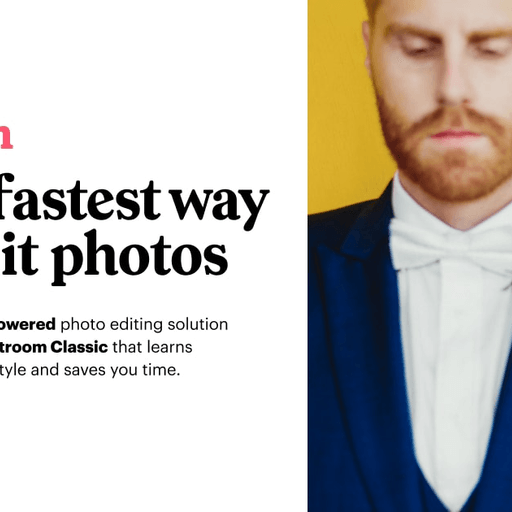 ImagenPersonalized photo editing assistant
 ImageColorizerAI photo colorization and restoration
 AILab ToolsAI photo editing tools and API platform
 SnapEditAll-in-one AI photo editor and object remover
 ReminiAI photo and video enhancer
 BeFunkyOnline photo editor and graphic design platform
Be the first to comment